The Battletech Token Kit
The Battletech Token Kit is a simple set of images designed to be used to create hexes for Battletech. It can be used to make one-off hex tokens for terrain features, vehicles, complete maps, or any other hex tokens you may need.
Contents
The Battletech Token Kit is, at its core, a simple set of PNGs all on the same size hex. These hexes are between 391 and 392 pixels tall by 450 pixels wide, corresponding to a 32mm hex at 300 dpi when printed.
The kit consists of:
- Templates
- The templates are the foundation of any build. Using the appropriate template, overlays can be applied within the hexes to create a token, terrain element such as a longer river, or even a full map.
- The Templates are as follows:
- SingleHex.xcf
- A single hex with tesselation guides in GIMP format.
- 7HexMap.xcf
- A seven hex pattern in GIMP format.
- 10HexMap.xcf
- a ten hex pattern in GIMP format.
- MapTemplate.xcf
- an A4 template for a 6x7 hex map in GIMP format.
- SingleHex.xcf
- Backgrounds
- Various backgrounds for the creation of tokens. The filenames are self-explanatory.
- These are applied to the hexes in the templates to give uniform backgrounds to the various maps.
- Overlays
- Various overlays used to create elements on top of the backgrounds
- The text in all overlays is provided in both standard and hyper-legible fonts
- Light
- Light terrain text overlays
- Heavy
- Heavy terrain text overlays
- Woods
- Various overlays for wooded terrain
- Rocks
- Various overlays for rocky terrain
- Rough
- Rough terrain text overlays
- Level
- Various text overlays for height levels
- As of release 0.1 levels 1, 2, and 3 have been created
- Additionally, overlays for bevelling the hexes are in this directory
- Depth
- Various text overlays for depth levels
- As of release 0.1 depths 1, 2, and 3 have been created
- Additionally, overlays for bevelling the hexes are in this directory
- River
- Various overlays for rivers
- Lakes
- Overlays for full water hexes, and water borders
- Roads
- Overlays for creating roads
- Tesselation-Guides
- The single-hex tesselation guide already present as a layer in the SingleHex.xcf file
- Light Woods Examples
- This folder contains four example tokens made using the process in the section “Building a Token”
Building a Token
The process for building a token or terrain element is fairly straightforward. Using a template, select a background, and the appropriate overlays. This will create an image of the token you wish to create.
As a quick tutorial, here is the step-by-step process for how to create the “Light-Woods-Readable.png” example file:
- Open the SingleHex.xcf file in GIMP
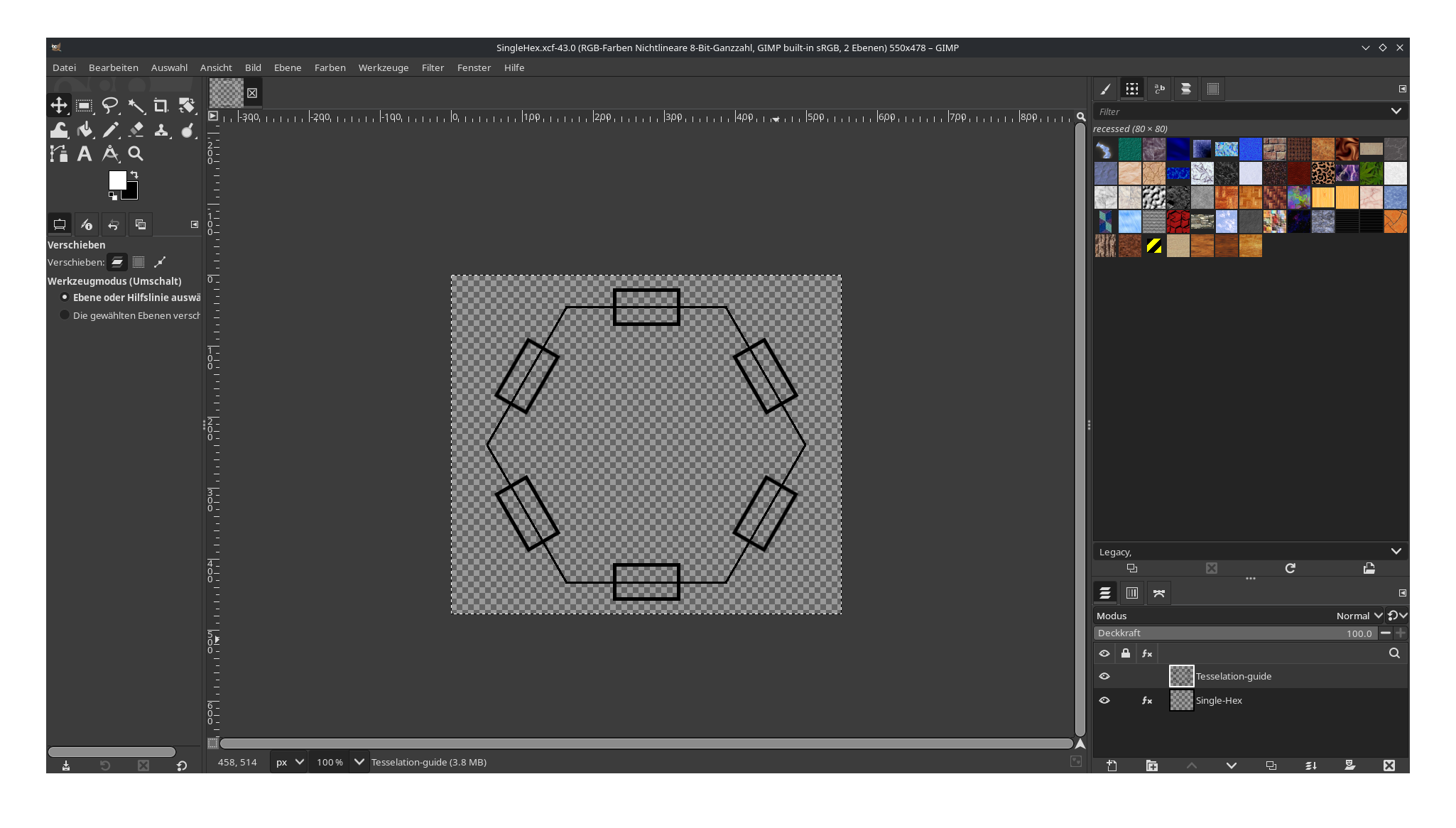
- Make the Tesselation Guides layer invisible by clicking on the Eye next to the layer
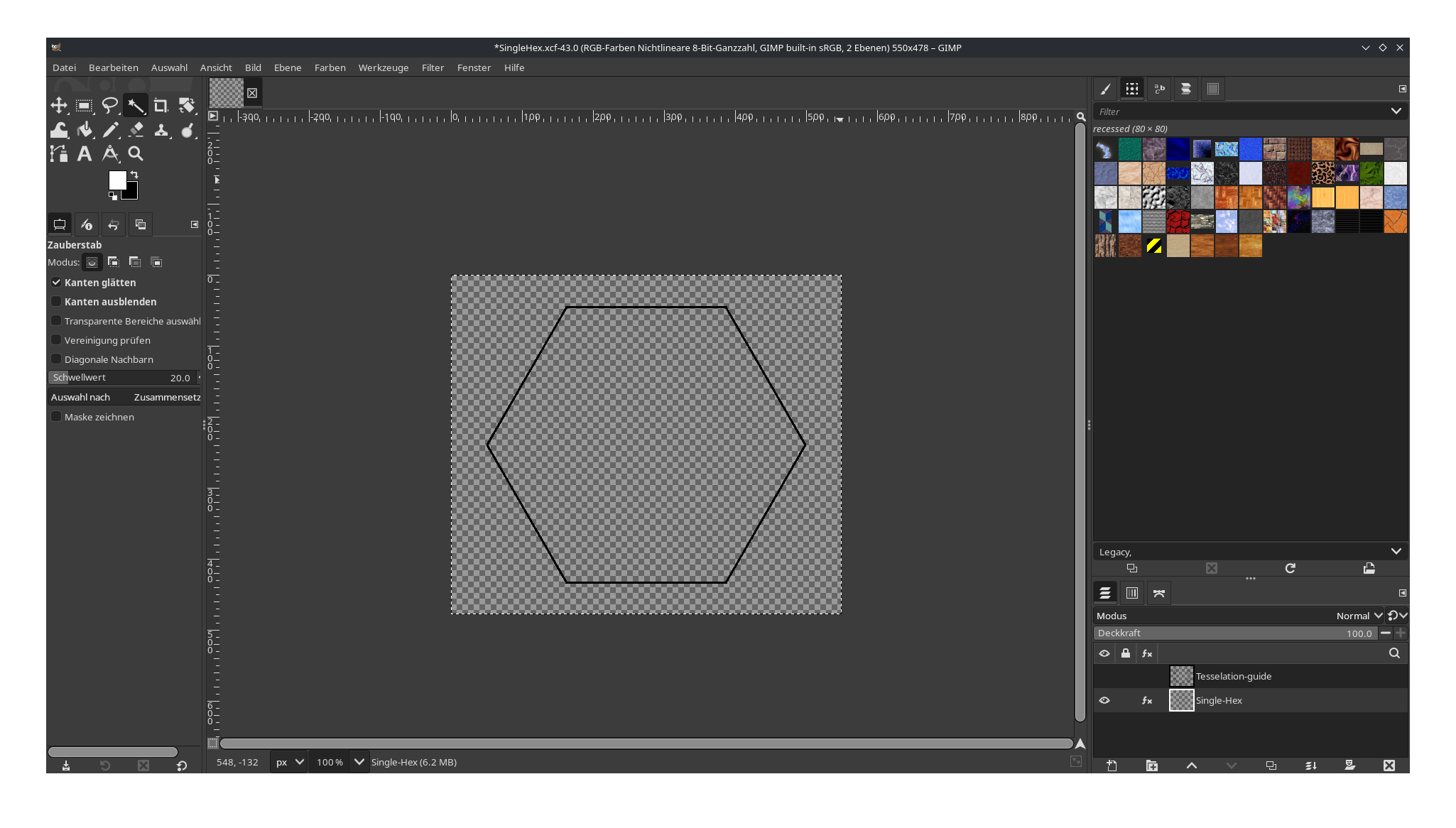
- Import the Background “Rocky-Grass.png” as the bottom layer
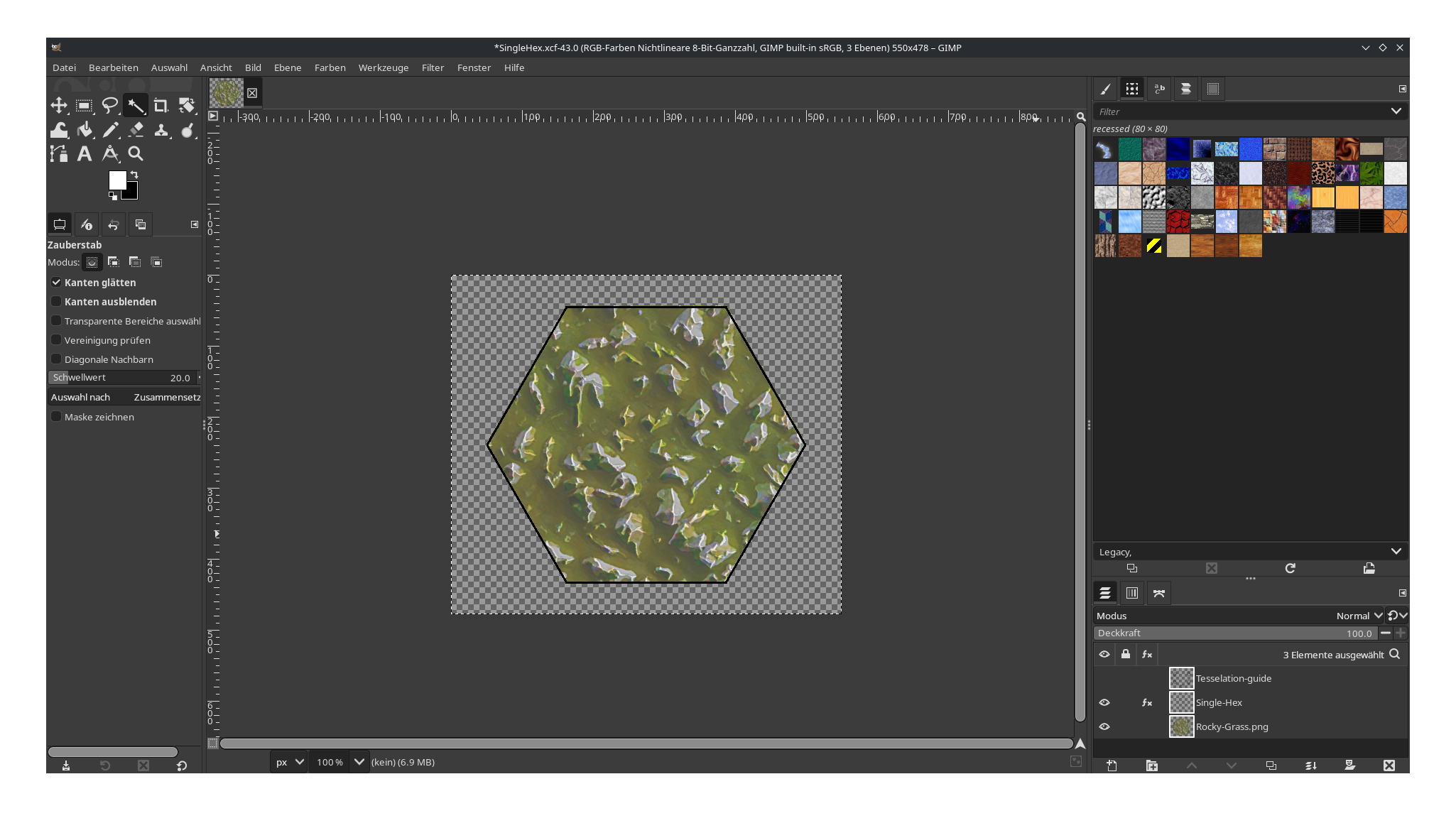
- Import the Woods Overlay “light-woods.png” file as the layer between “Rocky-Grass.png” and “Single-Hex”
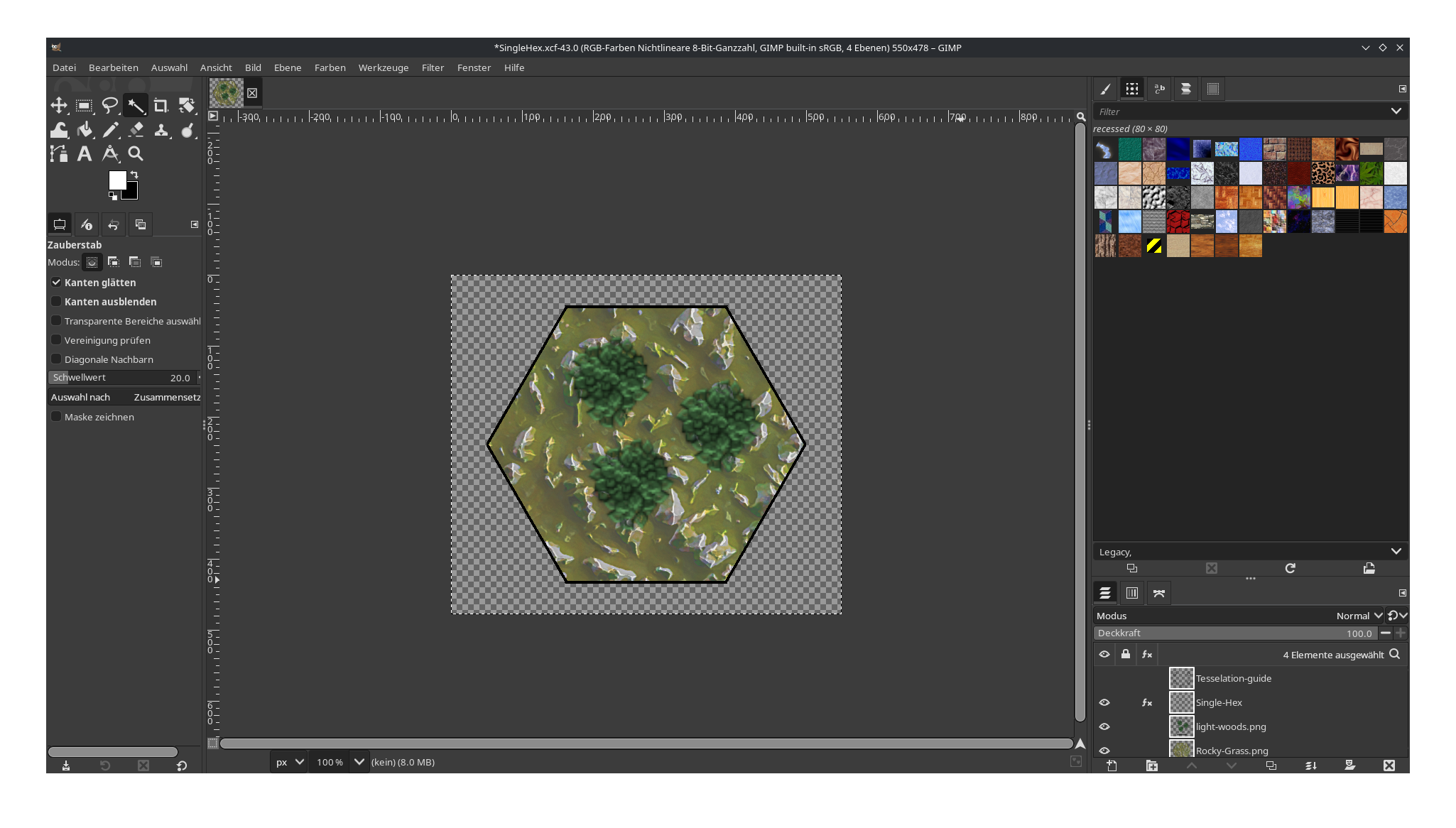
- Import the Light Overlay “Light-overlay-readable.png” file as the top layer of the image
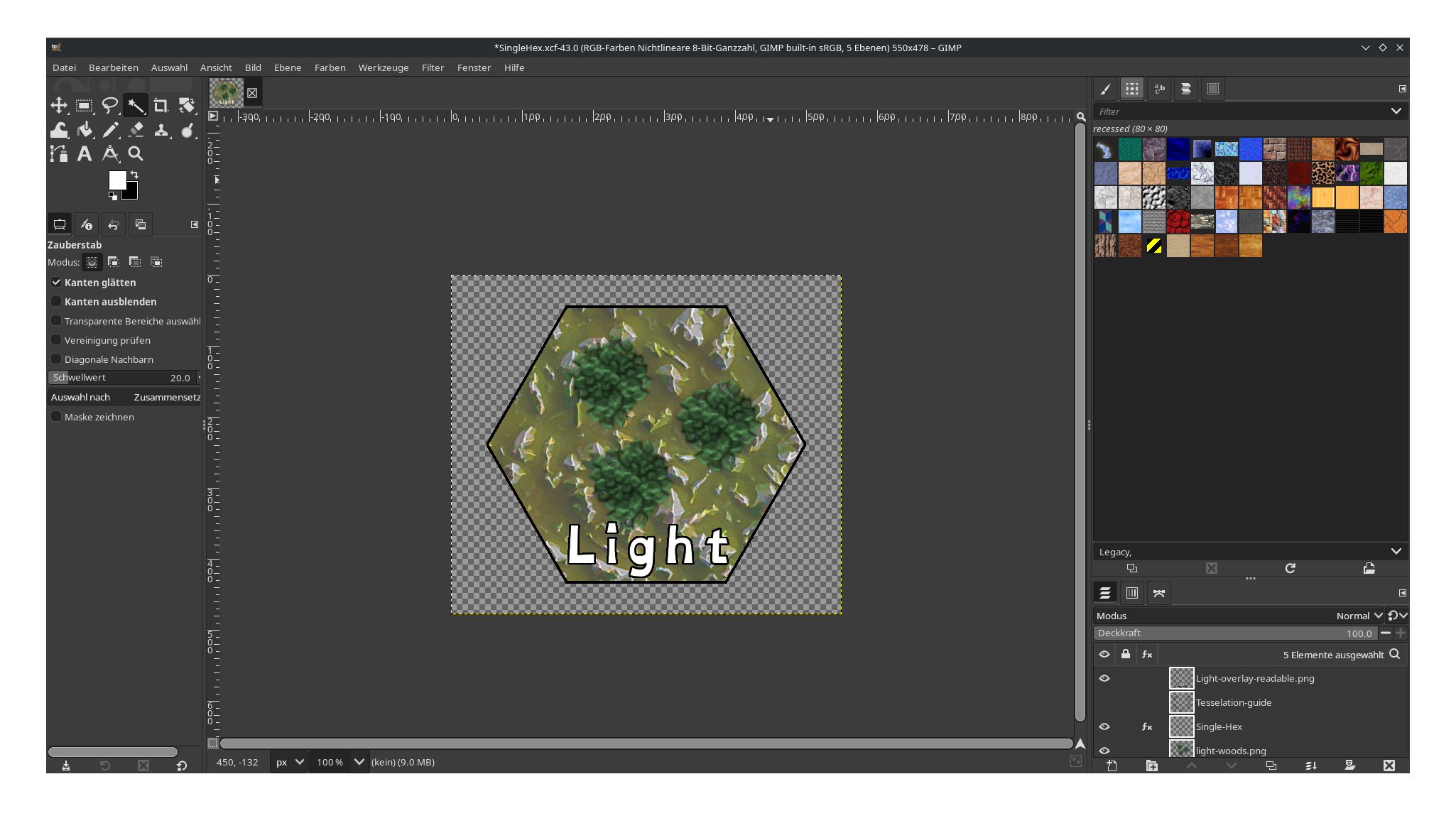
- Export the image as “Light-Woods-Readable.png” and open the exported PNG in a new GIMP tab
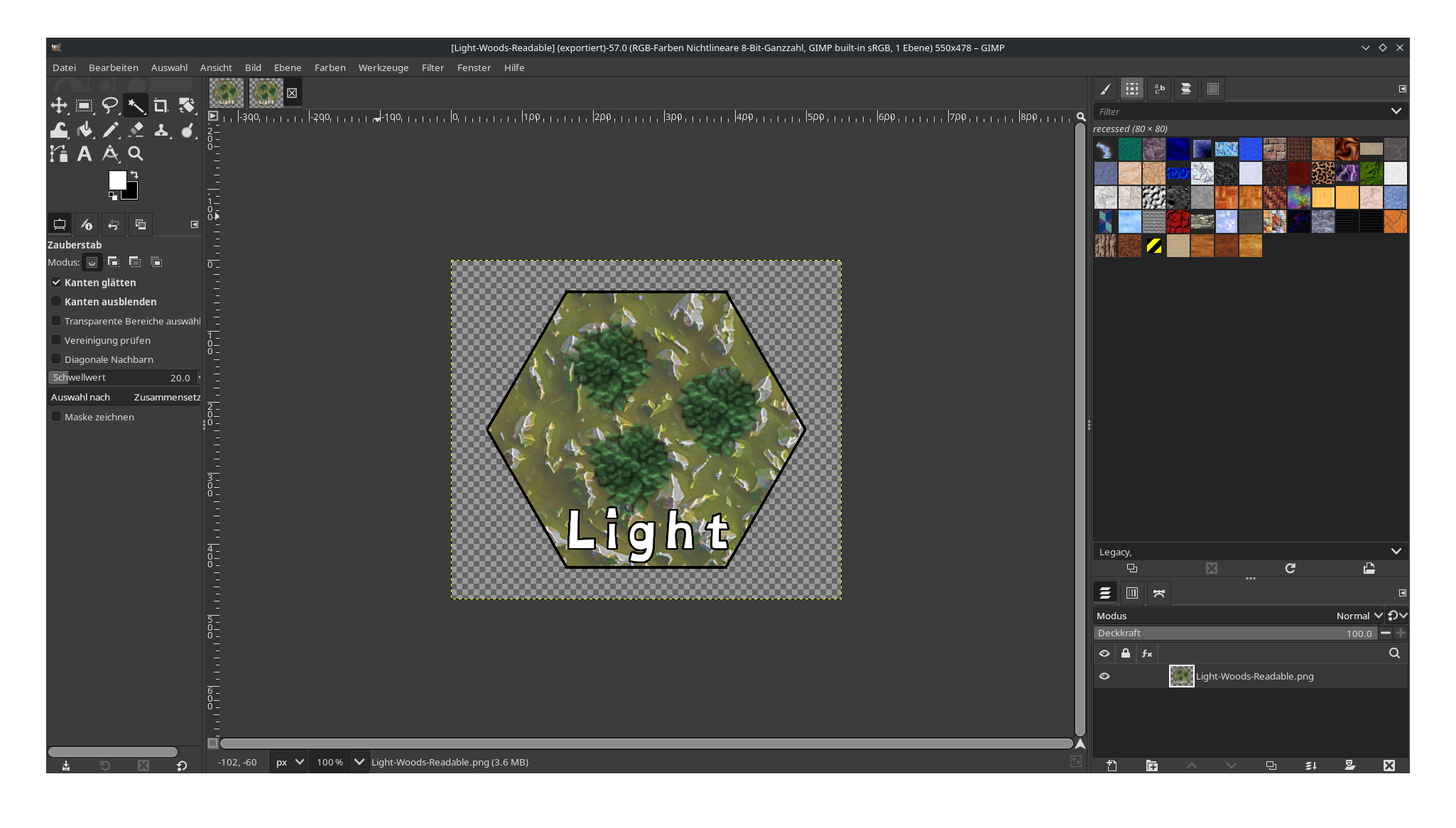
- In the “Image” menu of GIMP, select “Crop to Content”
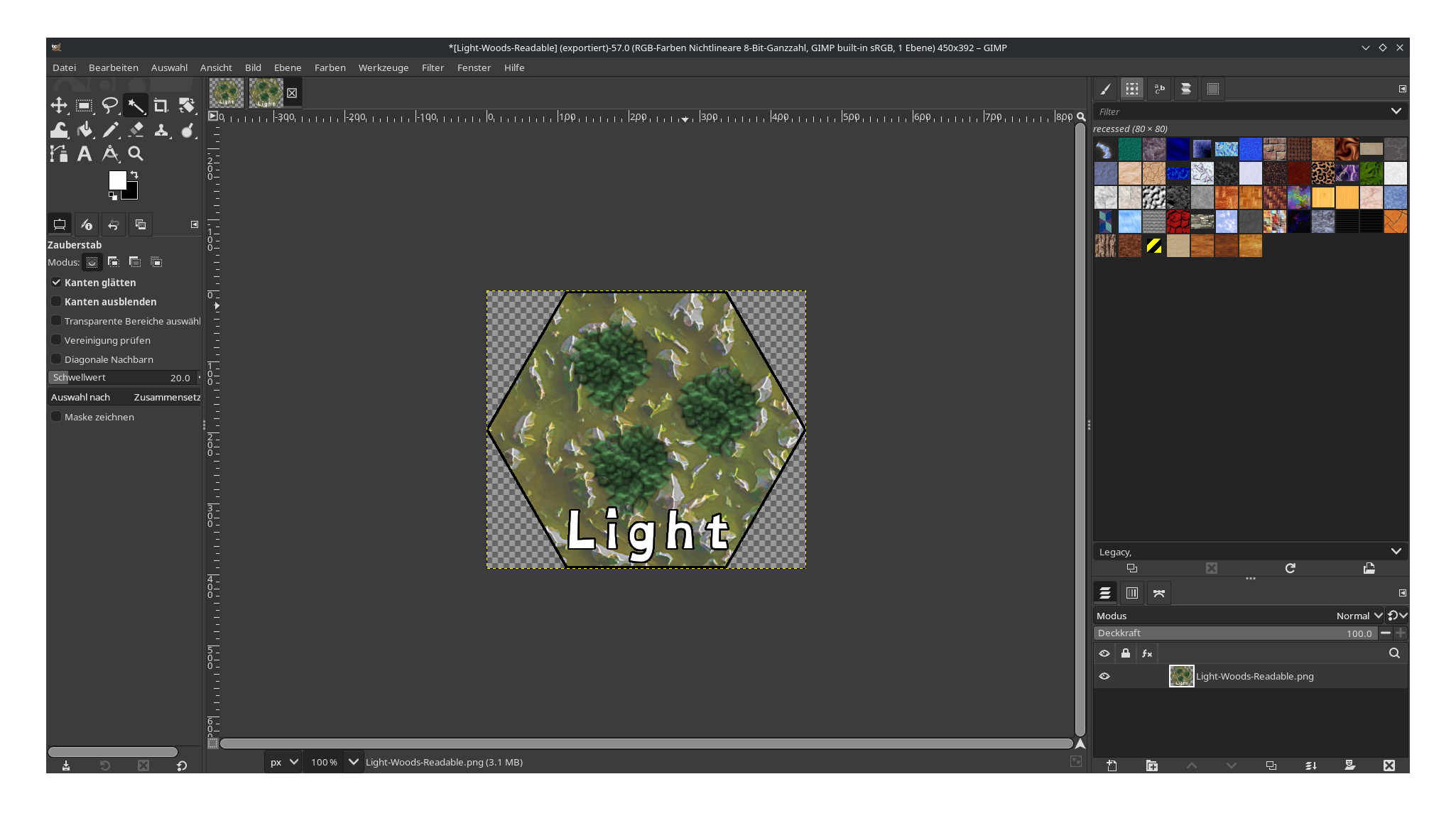
- Export the file again, and you will have a complete token
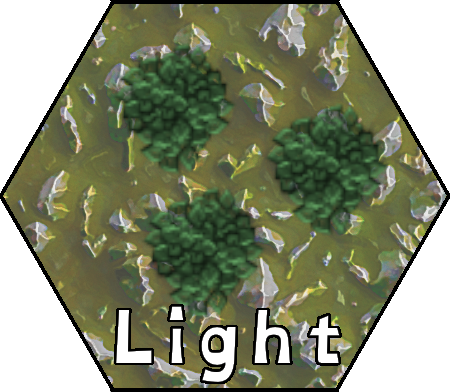
The same steps can be used, generally, to create any number of tokens using this kit.
How to use the tokens
These tokens can either be used digitally as hexes in digital maps, or they can be printed at 300 DPI on cardstock (or even plain paper), cut out, and used as tokens on your paper Battletech maps.
Download
The kit is available for download here.